Taking textbook diagrams off the page
An augmented reality app that turns the diagrams in a biology textbook into 3D models students can turn, magnify and explore on a tablet.
- კლიენტი
- Education technology company
- მრეწველობა
- Education technology
- მომსახურება
- პროგრამული უზრუნველყოფის შემუშავება
What
A biology textbook can show a skeleton from the front, and perhaps from the side. The student still has to imagine how the bones fit together, how the shoulder turns, and what sits behind the ribs.
An education technology company supplies tablets to schools alongside its course books. It wanted the diagrams in those books to become something a student could pick up and turn over.
Why
The skeleton, the heart and the cell are three-dimensional subjects taught on flat pages. A printed diagram fixes one viewpoint and one level of detail. The company wanted students to see the same structure from any angle and look closer at a single part, without leaving the lesson or the book in front of them.
How
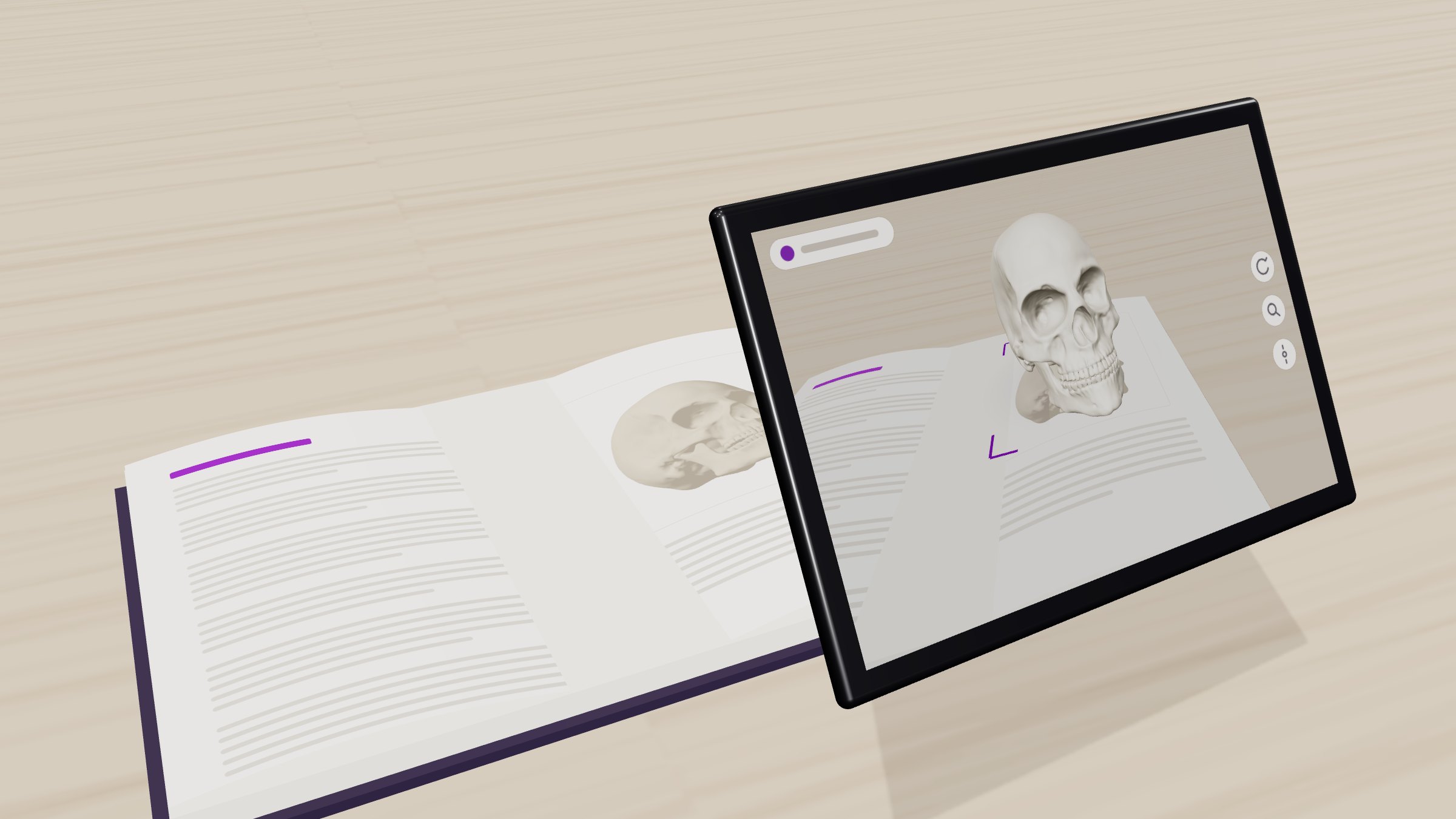
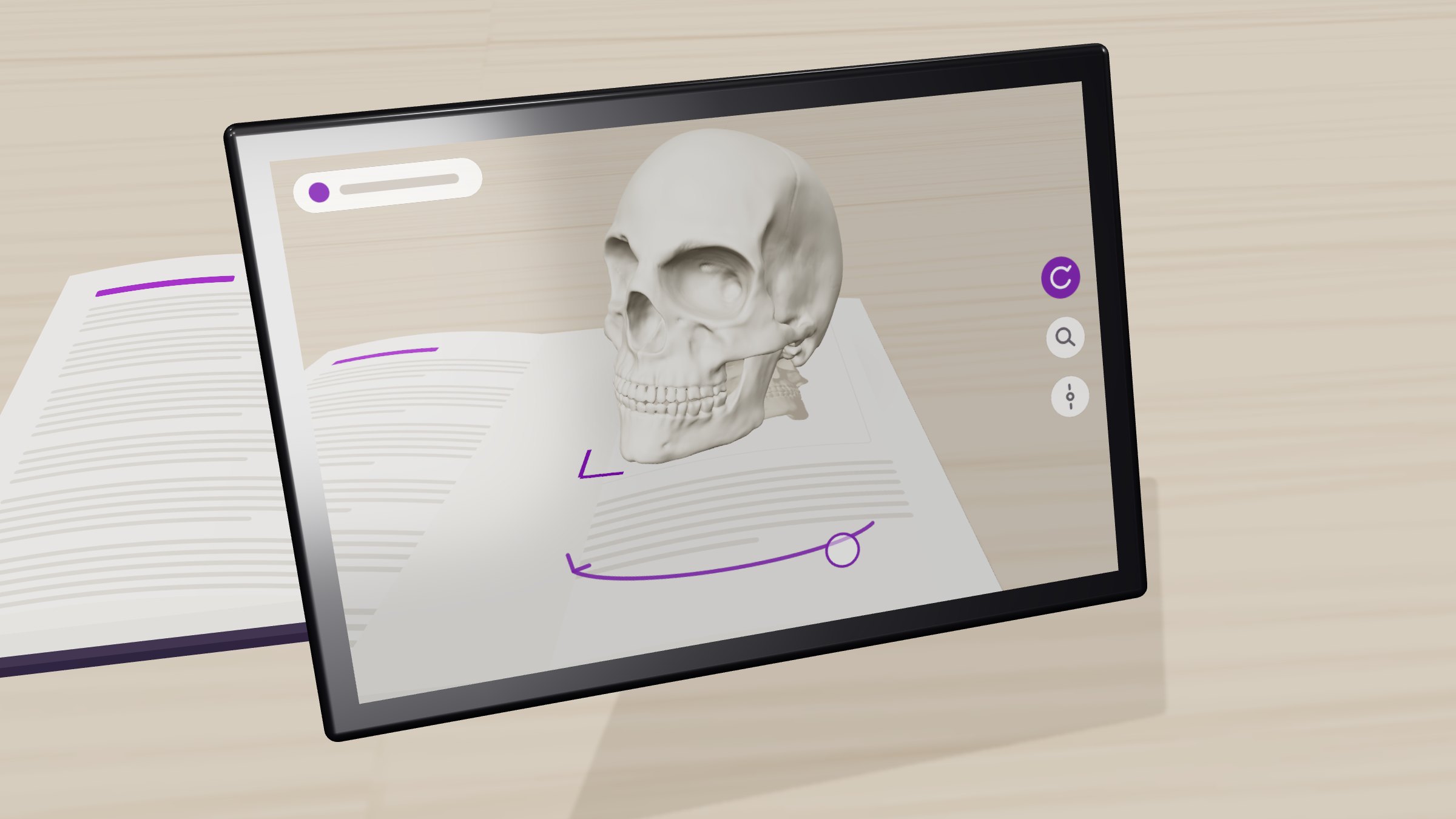
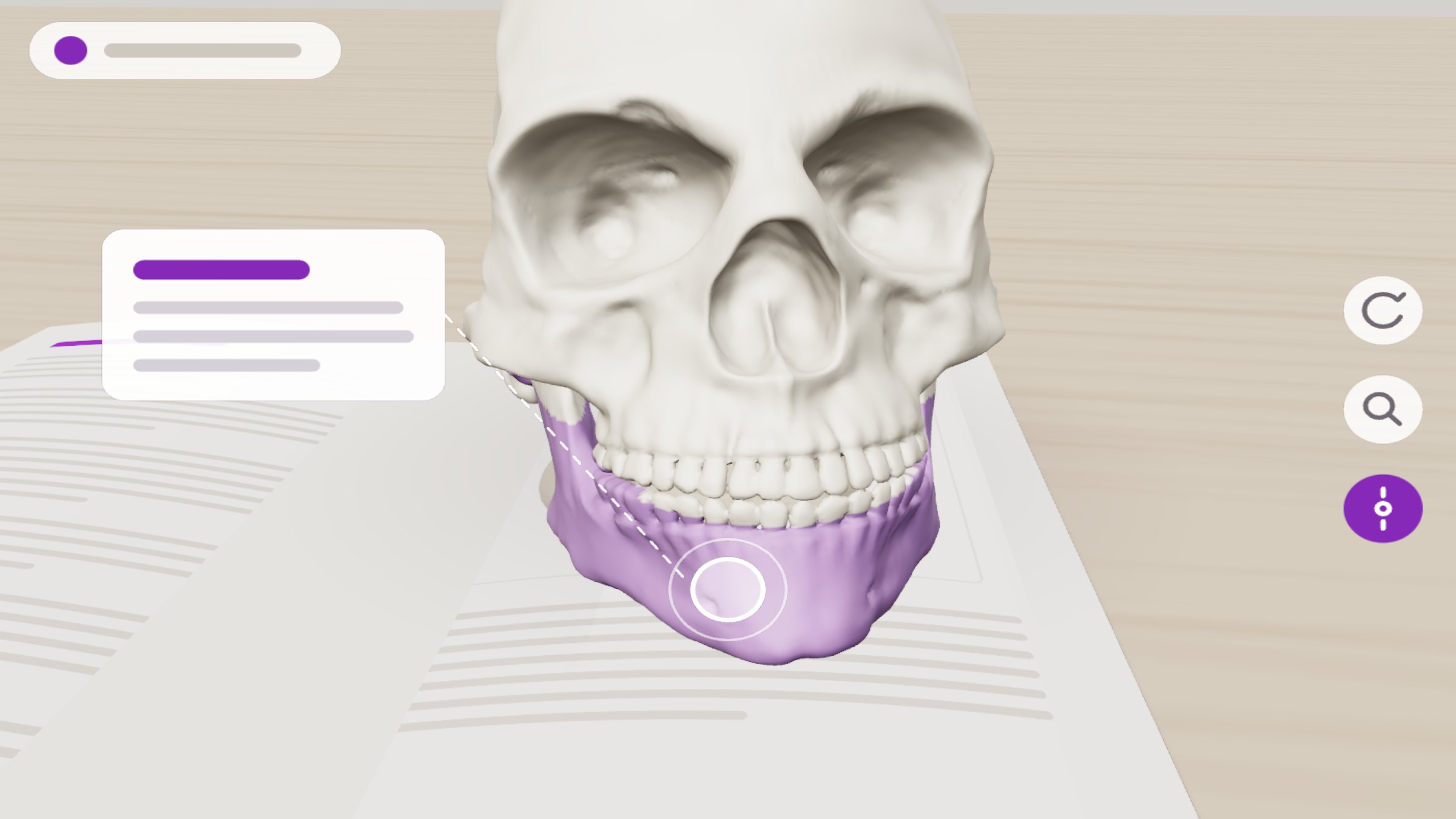
We built an augmented reality (AR) app for the company’s tablets. A student points the tablet at a page, the app recognises the printed diagram, and a 3D model appears on the page. The student can rotate it, pinch to magnify, and tap a part to see its name and what it does. Move the book, and the model moves with it.
Implementation fitted the app to the tablets the company already supplies and to the pages in its books. The harness maps each page to its model, holds the labels for every part, and lets new chapters be added without rebuilding the app.
Under the hood
Recognition and tracking run on the tablet with Google’s ARCore Augmented Images. It matches the camera feed against a database of reference pages stored on the device, so it works without an internet connection, and keeps the model fixed to the page as the book moves. Each page was scored with ARCore’s image-quality tool before it was added, so diagrams with too little visual detail were caught early. Rendering uses SceneView, an open-source Android library built on Google’s Filament physically based renderer.
The models are GL Transmission Format (glTF) binary files, prepared in Blender so that every bone or structure is a separate, named part. Draco mesh compression and KTX2 textures keep each model small enough to ship on the tablet. When a student taps, a ray is cast from the finger into the scene to find the part underneath, which can then be highlighted, labelled or shown on its own. Rotation and magnification use the usual one- and two-finger gestures, with limits so the model never drifts off screen.
The larger goal
We’re grateful to the company for trusting us with how its students first see the inside of the body. A skeleton you can turn in your hands is easier to remember than one you have only read about. We hope this helps more students understand what they are studying.